
Two minutes, and YouTube plays by your rules
Do this on the device your child watches on. Pick yours:
Not with their device right now? Sign in and pick your child's card first. The family page brings you back here.
On a computer
Free from the Chrome Web Store, and it keeps itself up to date.
-
-
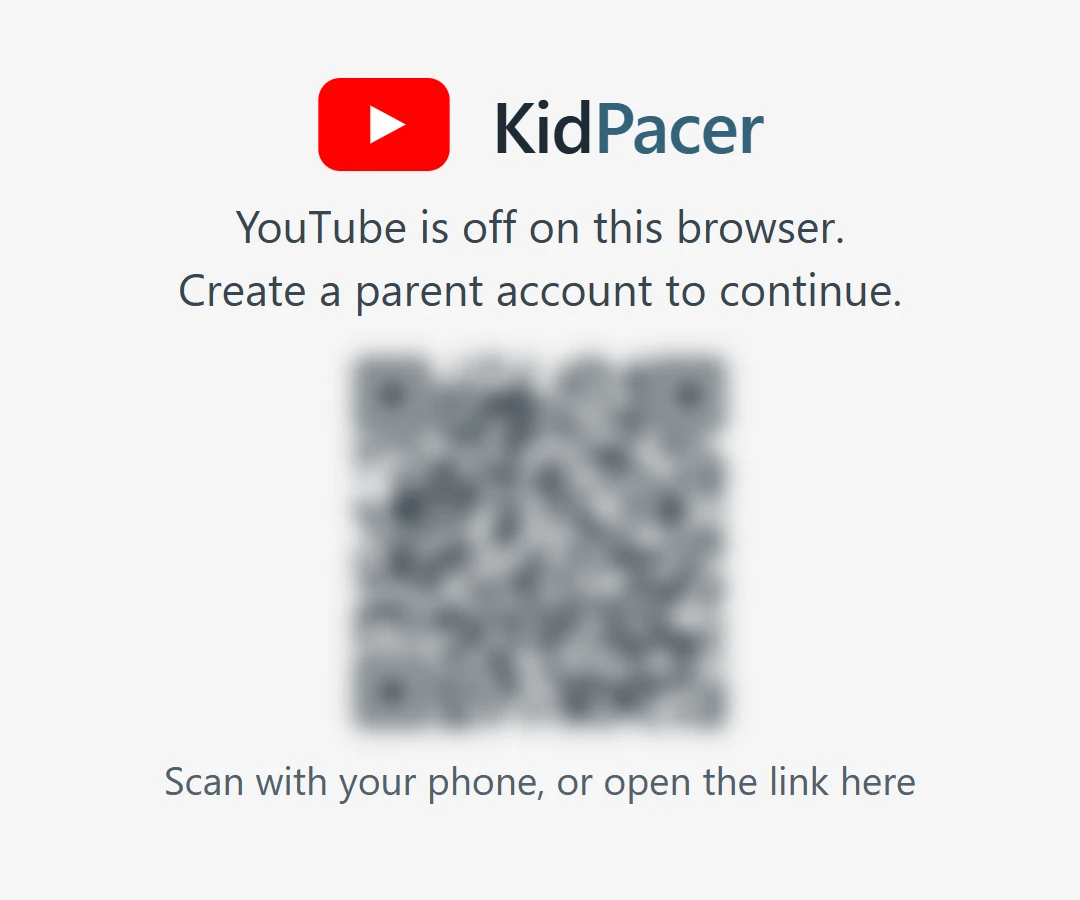
Scan the code
Open YouTube: KidPacer shows a code. Scan it with your phone and sign in.
-
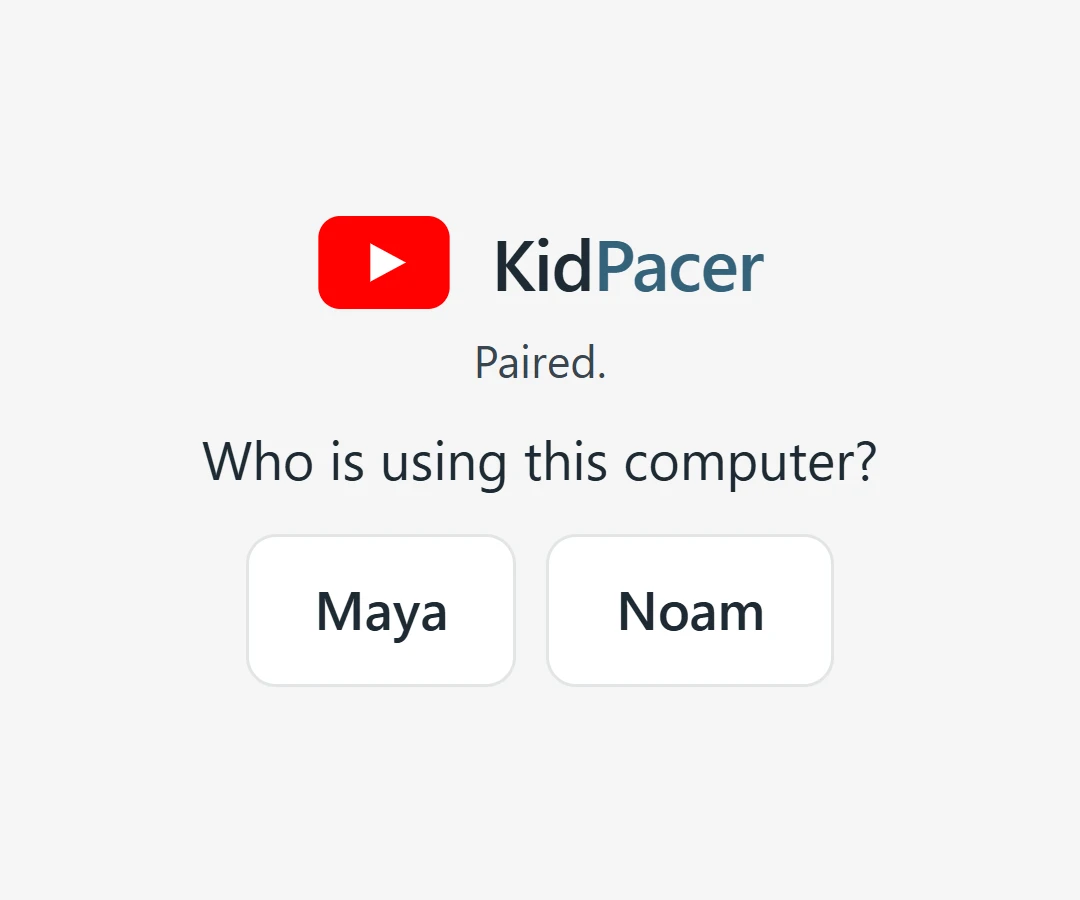
Pick your child
Tap their name, and YouTube opens with their rules.
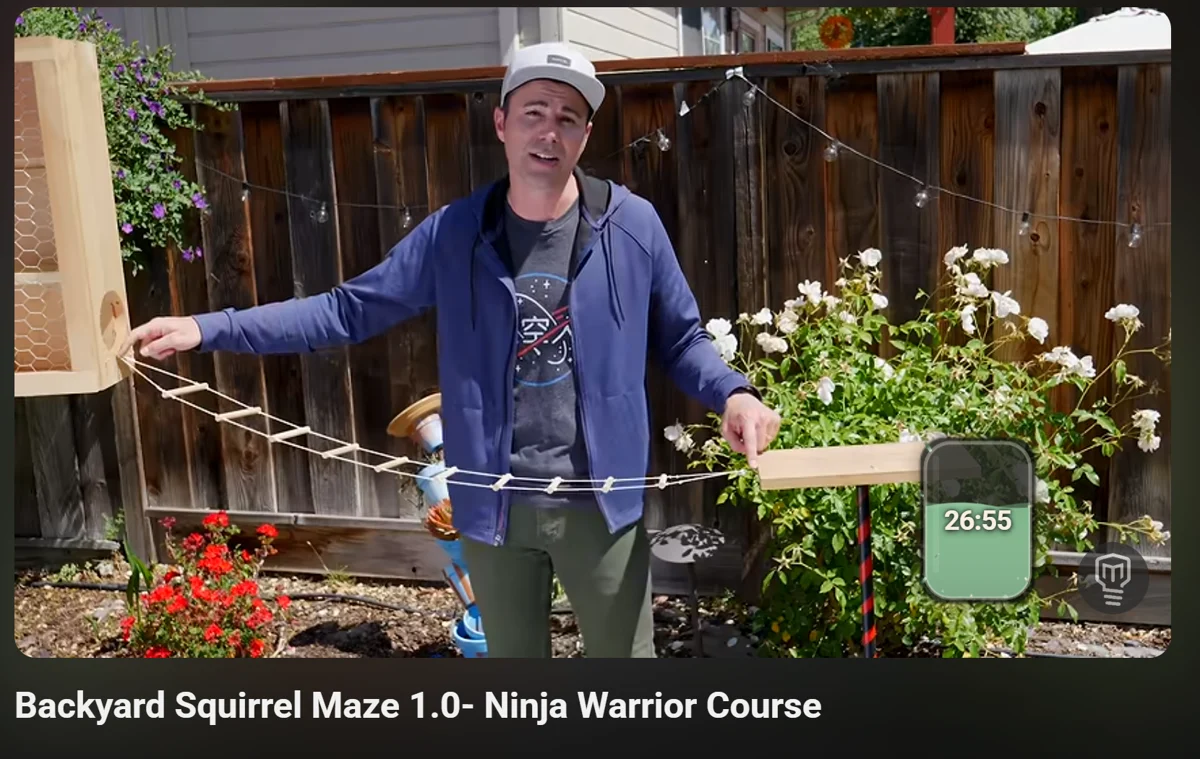
That's it, they're watching
The tank in the corner drains while a video plays and fills again while they rest.
chrome://extensions first, then add this one.On an Android phone or tablet
Our app, straight from here. It isn't on Google Play yet.
-
-
Allow and install
Open the file, allow installs from your browser once, then Install.
-
Scan and pick
Open KidPacer, tap YouTube, scan the code with your phone, and pick your child.
Version 0.1.40, for Android 8 or newer. If Play Protect doesn't know the app, tap More details, then Install anyway. Then hide the YouTube apps with Family Link, since they have no KidPacer.



You're all set
From your phone you can give a treat, change their card, and see what they're watching.
Go to your family pageStuck? Tell us what you see and we'll help.